Common problems with smartphone cameras and solutions
Explore common smartphone camera issues and effective solutions to restore your device's functionality at KL Phone Repair Experts in Kuala Lumpur.
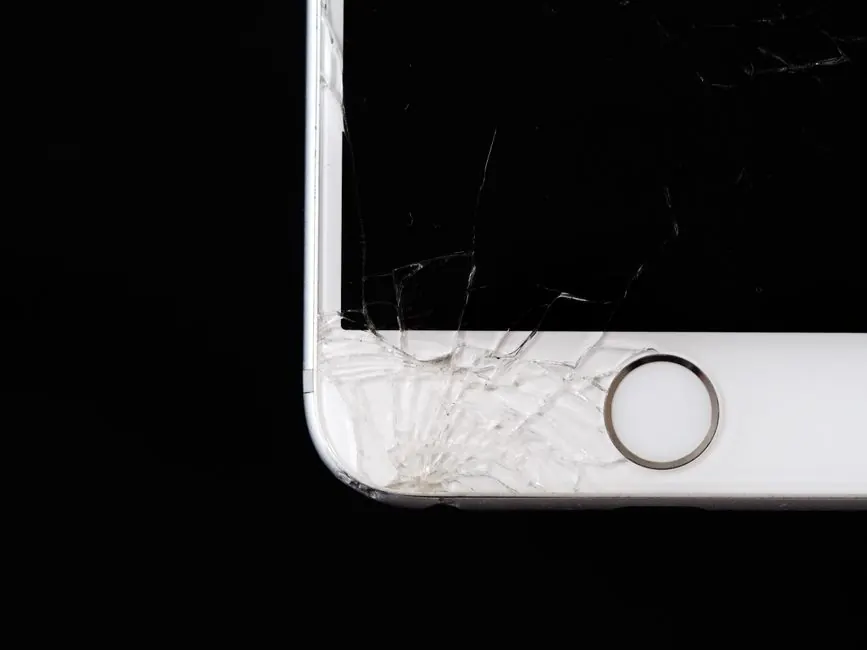
Common problems with smartphone cameras and solutions include issues such as blurry images, camera app crashes, and the camera not opening at all. These problems can arise from software glitches, hardware failures, or user errors, and can often be resolved with simple troubleshooting steps.
In this article, we will explore the most frequent smartphone camera issues faced by users in Kuala Lumpur and provide practical solutions to fix these problems.
What are common problems with smartphone cameras?
Common problems with smartphone cameras include blurry images, poor focus, and malfunctioning camera apps. Users often experience these issues due to dirt on the lens, software bugs, or hardware damage.
How can I fix my smartphone camera issues?
Fixing smartphone camera issues can involve simple steps like cleaning the lens, restarting the device, or updating the camera app. If problems persist, professional assistance may be required.
What should I do if my smartphone camera is not functioning?
If your smartphone camera is not functioning, start by restarting your phone and checking for software updates. If the issue continues, consider seeking help from a professional repair service.
Common camera problems in Kuala Lumpur
In Kuala Lumpur, users frequently report issues with smartphone cameras due to high humidity and dust exposure. These environmental factors can lead to lens fogging and internal damage.
Steps to fix common smartphone camera issues
- Clean the lens: Use a microfiber cloth to gently wipe the lens. Dirt and fingerprints can significantly affect image quality.
- Restart your device: Sometimes, a simple restart can resolve software glitches affecting your camera.
- Update your software: Ensure your smartphone's operating system and camera app are up-to-date to avoid compatibility issues.
- Check camera settings: Reset your camera settings to default to eliminate any incorrect configurations.
- Remove third-party apps: Uninstall any camera-related apps that may interfere with your smartphone's native camera functionality.
Common mistakes to avoid
When troubleshooting smartphone camera issues, avoid the following mistakes:
- Neglecting to clean the lens regularly.
- Ignoring software updates that can fix bugs.
- Assuming hardware issues without checking simple fixes first.
When to call a professional
If your smartphone camera issues persist after trying the above solutions, it may be time to call a professional. At KL Phone Repair Experts, we specialize in Camera Repair in Kuala Lumpur and can diagnose and fix any underlying problems with your device.
Frequently Asked Questions
What are common problems with smartphone cameras? Common problems include blurry images, camera app crashes, and the camera not opening due to software or hardware issues.
How can I fix my smartphone camera issues? You can fix issues by cleaning the lens, restarting your phone, updating software, or resetting camera settings.
What should I do if my smartphone camera is not functioning? Restart your device and check for updates. If the issue persists, consider professional assistance.
How to troubleshoot smartphone camera issues? Troubleshooting steps include cleaning the lens, checking settings, and removing conflicting apps.
What are Kuala Lumpur smartphone camera issues? Humidity and dust can cause lens fogging and internal damage, affecting camera performance.